
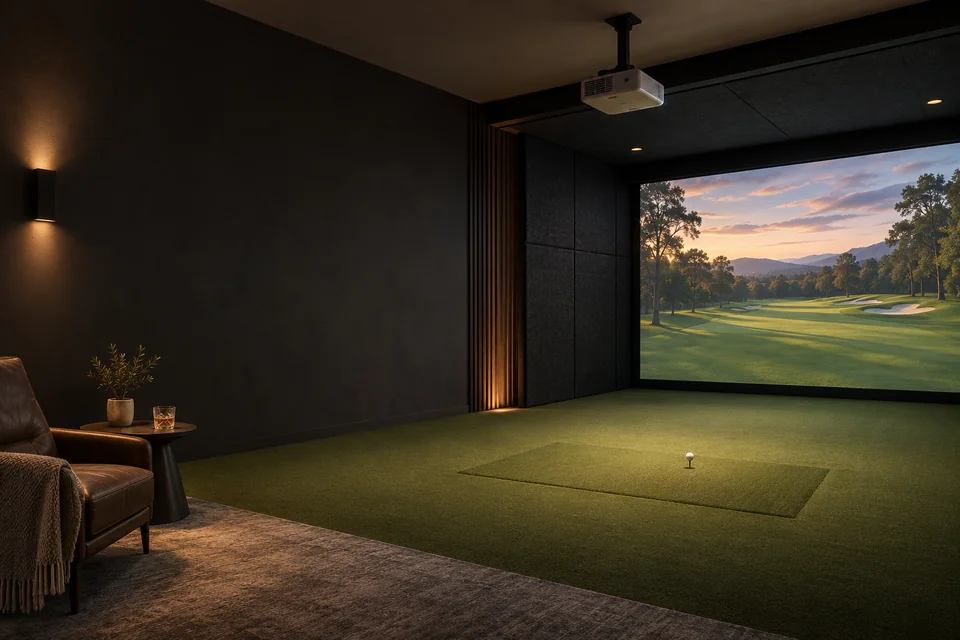
Home golf, considered
More golf.
Fewer expensive surprises.
Plan a home simulator around your room, your game and the full cost of getting started.
Plan your setupIllustrative setting; not a verified installation or product test.
Start with your space.
-
Find your fit
Measure ceiling, depth and width first. Screen throw, swing clearance and launch monitor placement are three separate checks.
Check your room -
Know the full cost
A launch monitor is only part of the bill. Itemize the enclosure, mat, projector and the software you keep paying for.
See itemized costs -
Choose with context
Compare models on tracking method, room guidance and running costs, with the date every price was read.
Compare options
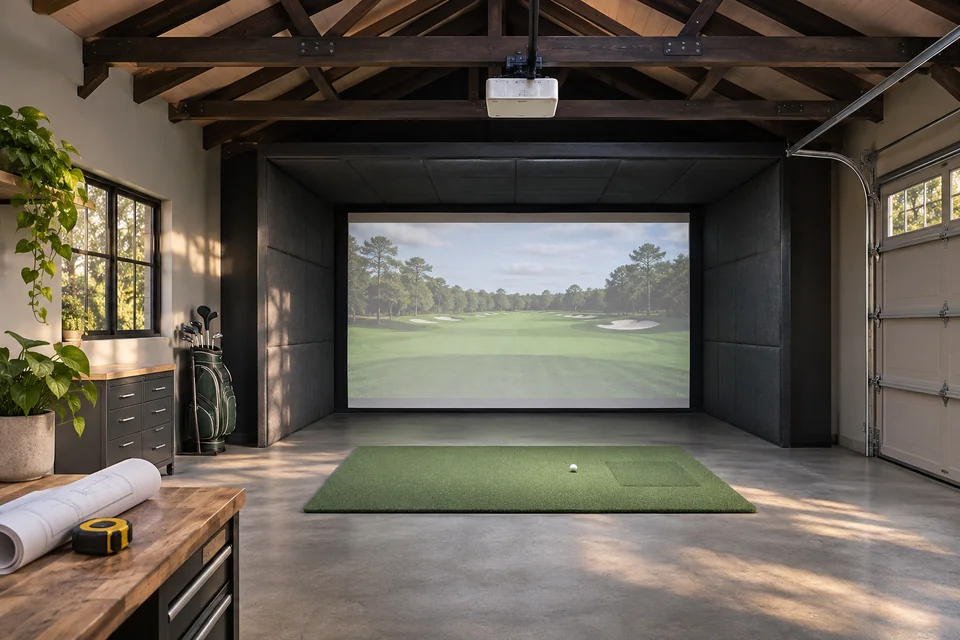
Before you buy
The right setup starts with the room.
Radar monitors sit behind the ball and need more depth. Camera units sit beside it and need less. Know which you can use before comparing prices.
Start planningThe launch monitors
Seven models, researched.
From radar units around $500 to camera units beside the ball. Pick one to read what it needs and what it keeps costing.
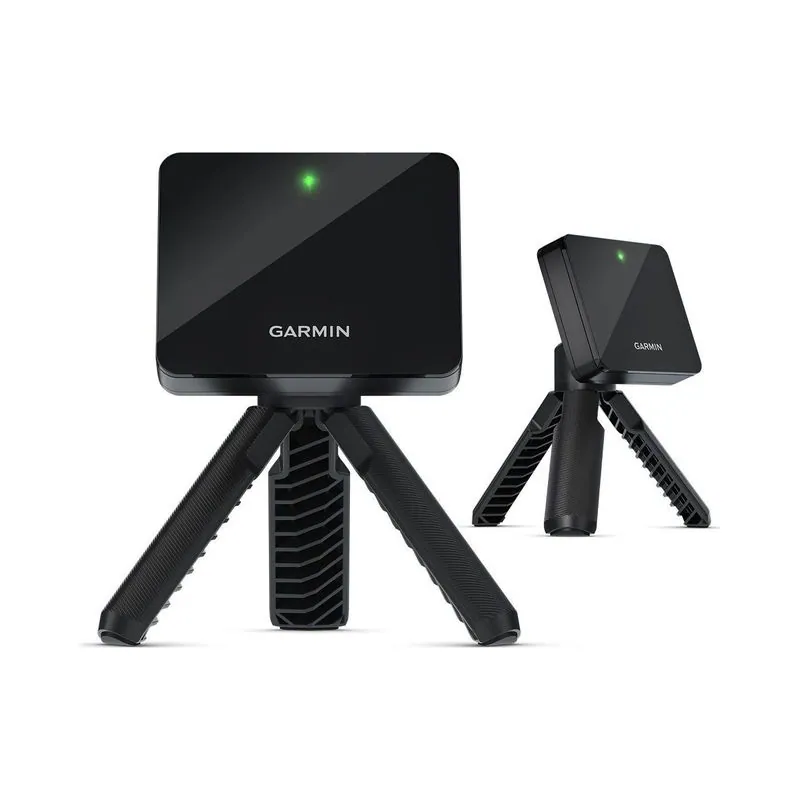 Garmin Approach R10 $499.99
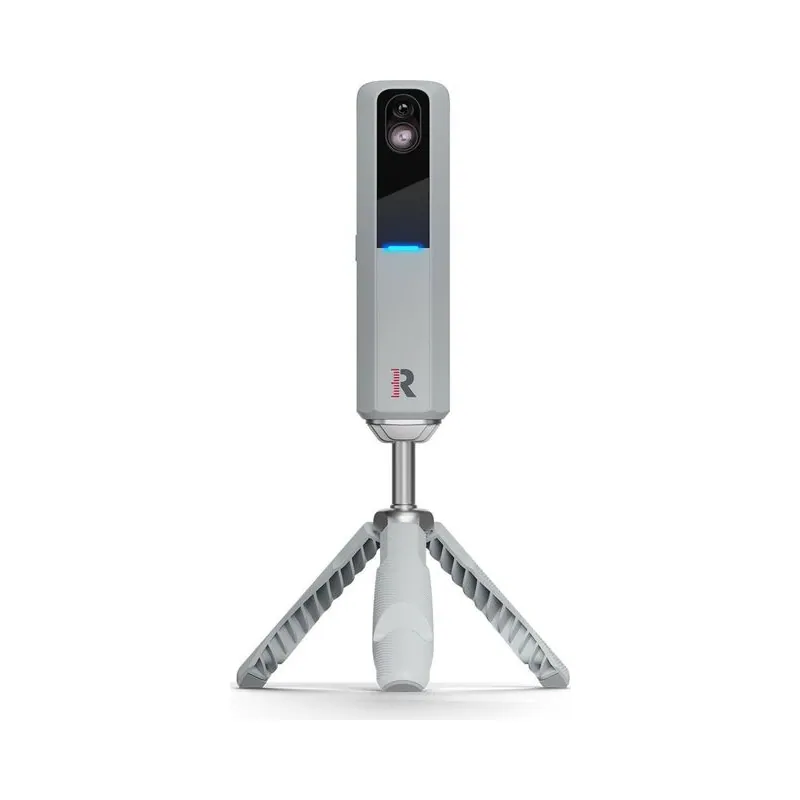 Rapsodo MLM2PRO $549.99
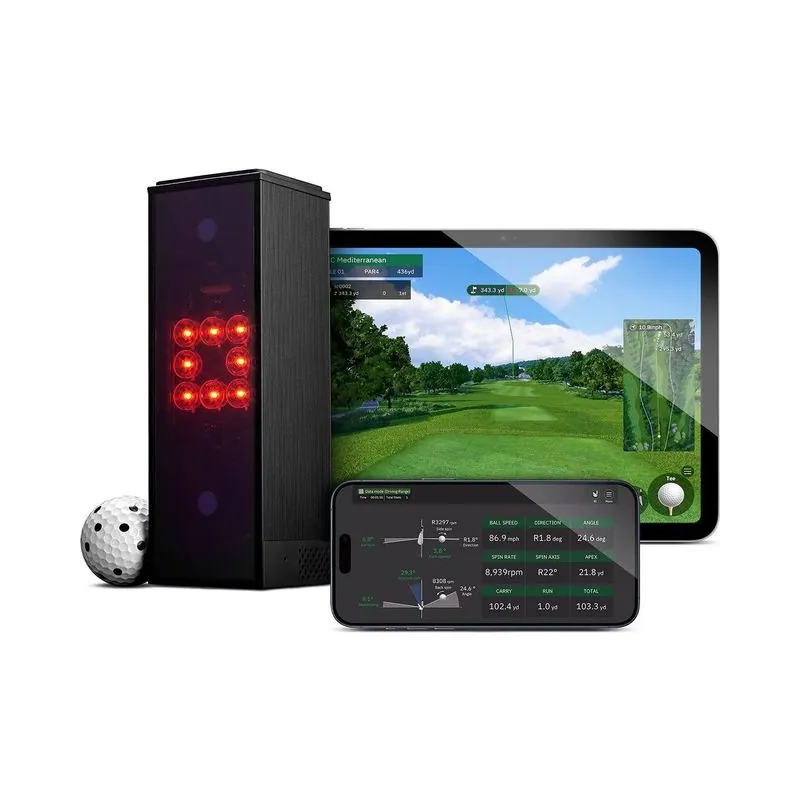 Square Golf $699.99
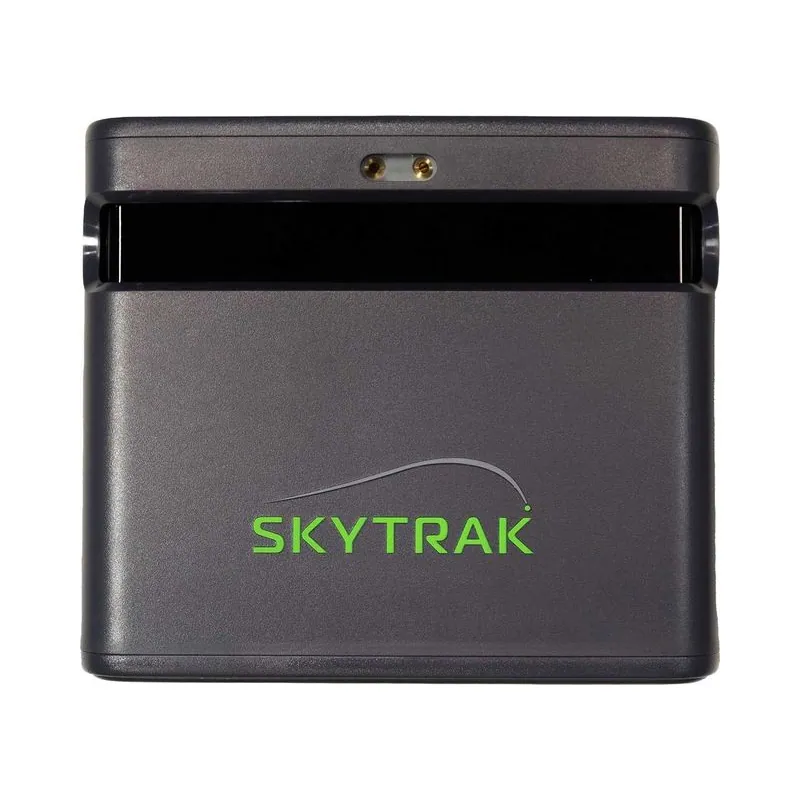 SkyTrak ST MAX $1,695
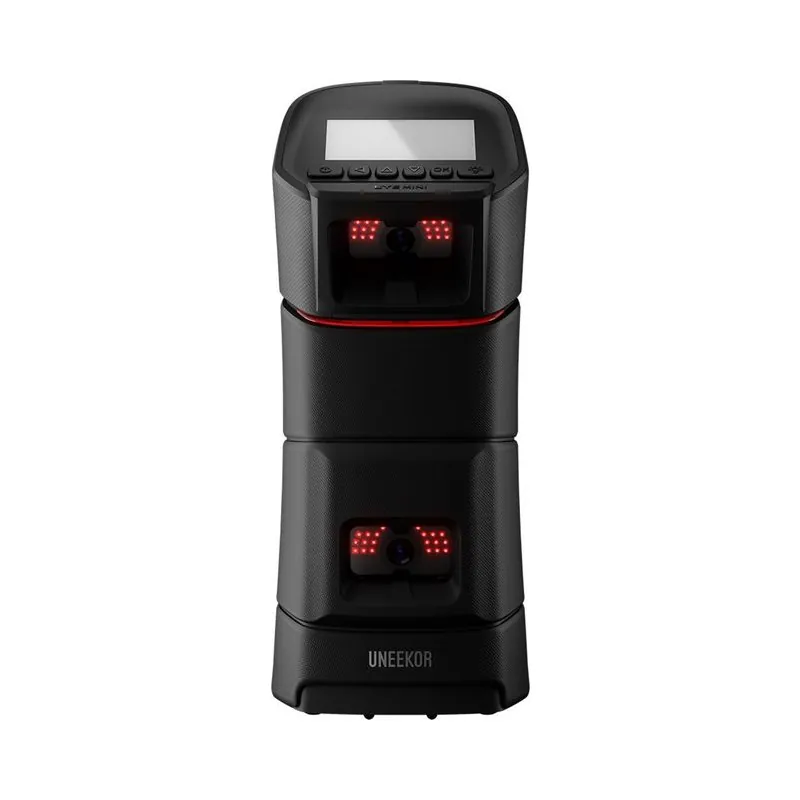 Uneekor EYE MINI $1,999
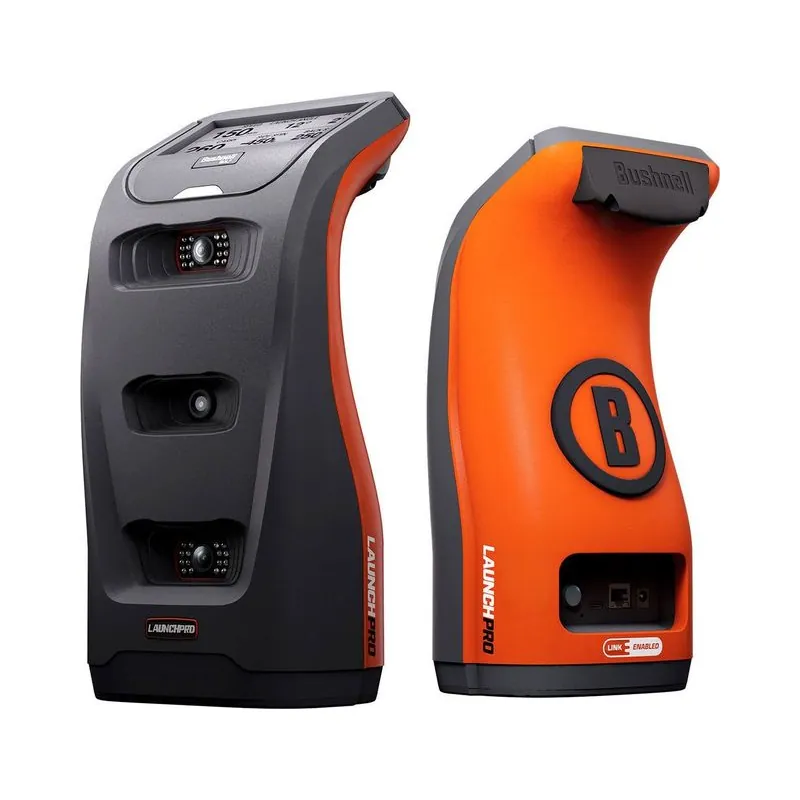 Bushnell Launch Pro Circle B $2,499.99
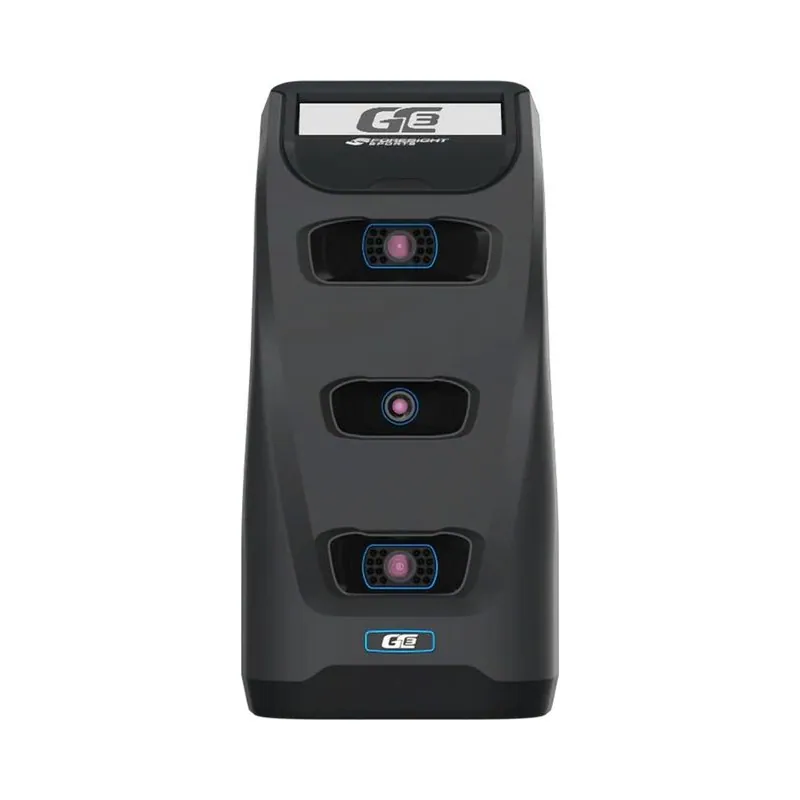 Foresight GC3 with LINK $3,999
What it adds up to
Three setups, itemized.
Our calculations from listed prices on November 3, 2026, before tax and shipping.
- $1,465
Garage Net
Radar monitor, net and mat. No screen or projector.
- $5,224
Practice Bay
Camera monitor, framed enclosure, short-throw projector and mat.
- $10,690
Dedicated Room
Beside-the-ball camera monitor, complete enclosure, PC and software.
Keep exploring.
-
Launch monitors
Research pages on seven models, from radar units around $500 to camera units beside the ball.
-
Best-of guides
Monitors, complete packages, enclosures, mats, nets and projectors, sorted by what each one suits.
-
Software
What simulator software costs each year and which monitors its publisher lists as compatible.
-
Screens, nets and mats
The parts around the monitor, and which of them are sold separately from what they look bundled with.